Meshtastic devices enable long-range, low-power communication via a decentralized mesh network, ideal for off-grid and remote scenarios. Getting your devices set up correctly ensures seamless messaging and data exchange even without existing infrastructure. In this article, we’ll guide you through essential tips and best practices to optimize your Meshtastic network for reliable communication.
Understanding Meshtastic and Its Key Components
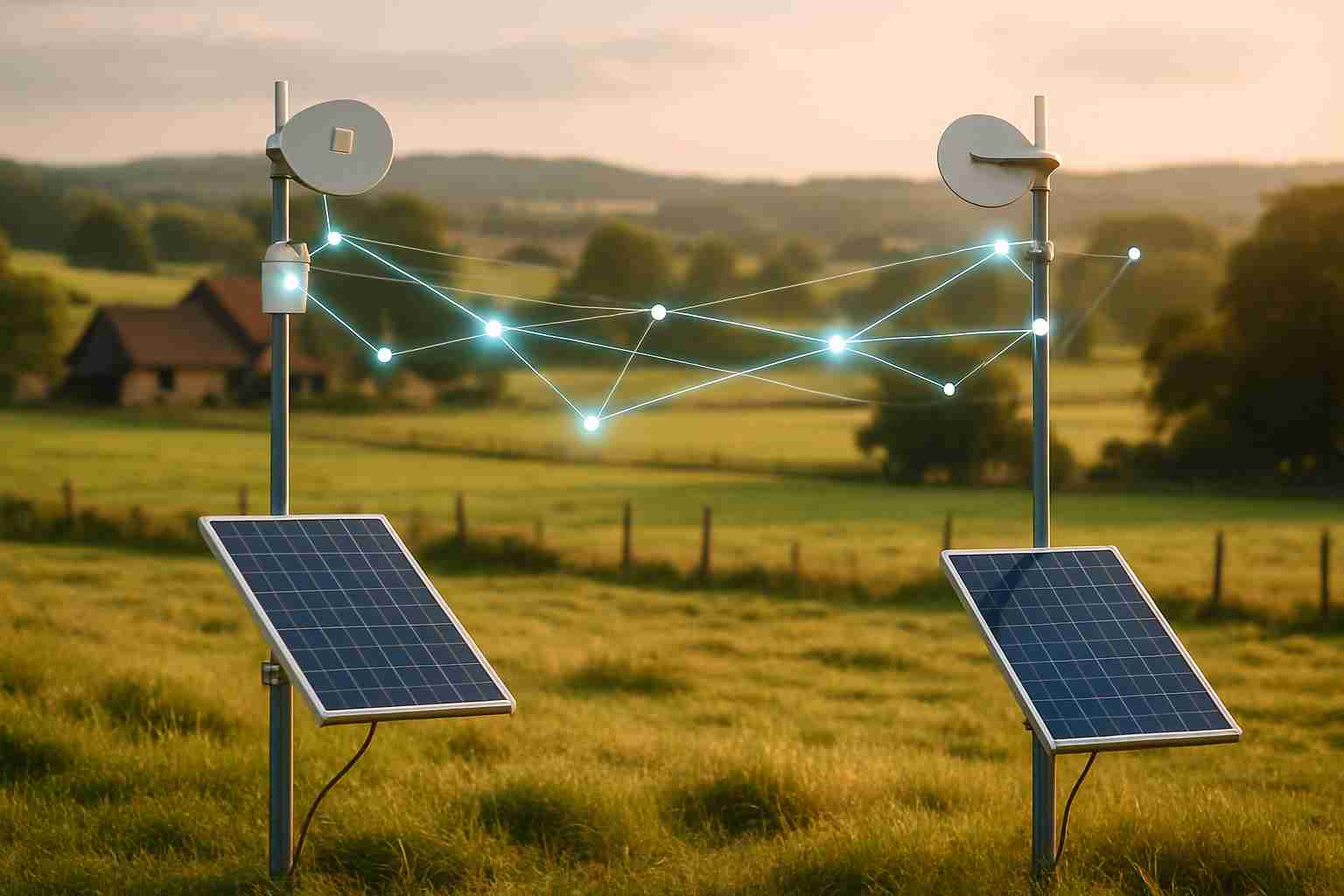
Meshtastic devices are designed for off-grid communication, utilizing the power of LoRa (Long Range) radio technology to create a robust mesh network. At their core, these devices provide a means for users to communicate in areas without cellular service, such as during outdoor adventures, hiking expeditions, or emergency situations. But what truly sets Meshtastic apart is its implementation of mesh networking—this allows devices to relay messages between one another, significantly extending the range beyond what individual devices could achieve alone.
LoRa radio technology plays a pivotal role in Meshtastic systems. It operates over unlicensed frequency bands and offers several key advantages: low power consumption, long-range capabilities, and exceptional resilience in challenging environments. Instead of relying solely on direct point-to-point communication, the mesh concept allows each device to function as a node that not only sends and receives messages but also forwards them to other devices. This creates a dynamic network that adapts to obstacles, such as trees or buildings, making it ideal for off-grid environments.
Typically, Meshtastic devices are built around hardware components like the ESP32 and nRF52840 boards. The ESP32 is favored for its dual-core processor, Wi-Fi support, and Bluetooth connectivity, facilitating easy device pairing and configuration. On the other hand, the nRF52840 brings impressive Bluetooth range and energy efficiency to the table. Additionally, many of these devices come equipped with GNSS receivers, allowing for location tracking. However, while these features are useful, users should also be mindful of limitations, understanding that performance can vary based on environmental conditions and device placement.
Preparing Your Environment and Devices for Setup
Before diving into setting up your Meshtastic devices, there are a few key preparations to consider. First and foremost, location matters. To ensure clear line-of-sight communication between your devices, choose places with minimal obstructions. Avoid areas crowded with buildings or dense forests; these can significantly hinder the performance of LoRa signals. Think about the terrain—elevated spots usually provide better connectivity compared to valleys.
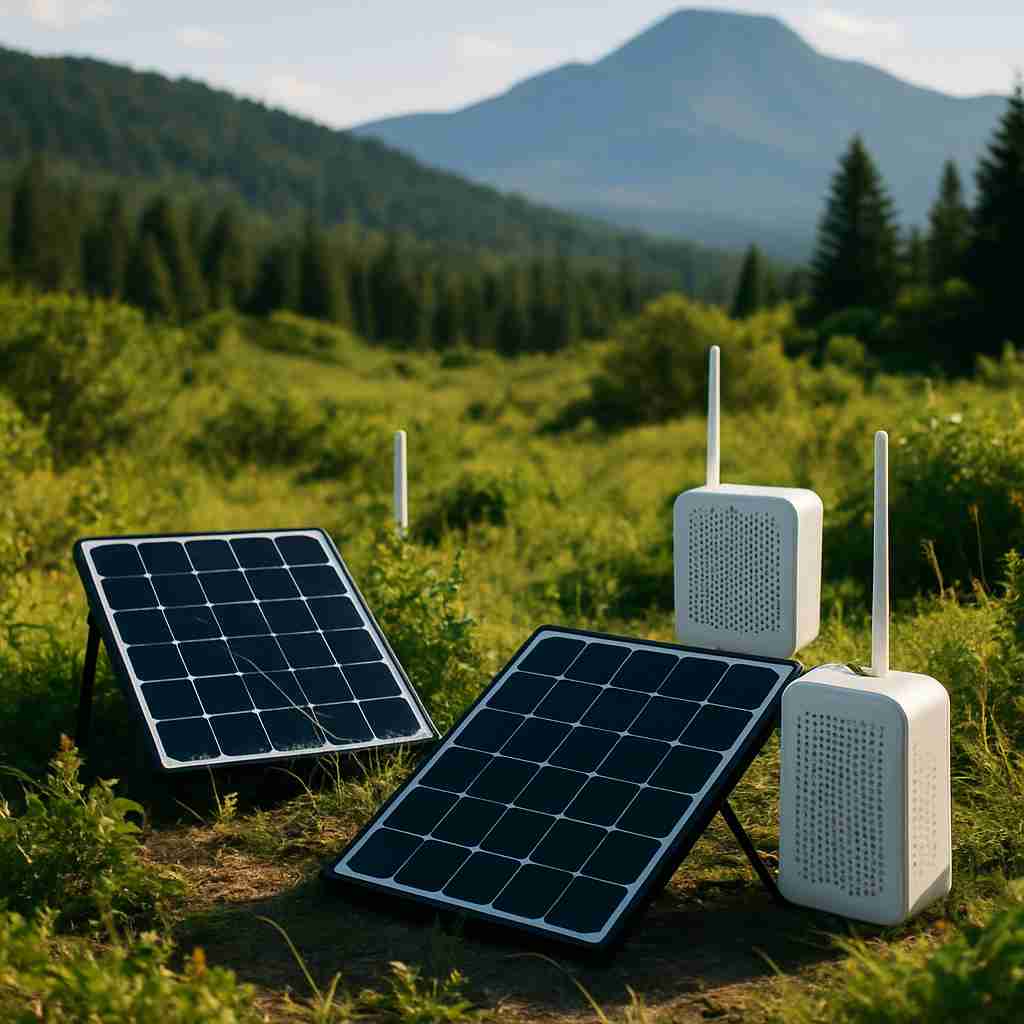
Next up is battery management. Since most Meshtastic devices run on batteries, ensuring they’re charged and ready for use is crucial. Consider using rechargeable batteries to save costs over time. Also, think about solar options if you’re planning to deploy devices off-grid for an extended period. Having a backup power source can extend device uptime significantly.
Now, let’s talk about firmware and apps. Before setting anything up, make sure your devices have the latest firmware installed. This improves both functionality and security. Installing the necessary mobile application is essential for monitoring and configuring your network effortlessly. Check the device documentation for specific app recommendations and installation steps.
With these preparations, your Meshtastic devices will be set for reliable and effective communication, ready for whatever adventure awaits!
Configuring and Connecting Your Meshtastic Network
Connecting and configuring your Meshtastic devices is an exciting step in building your off-grid communication network. Here’s a straightforward guide to help you get everything up and running.
First, ensure your Meshtastic device is charged and powered on. Grab your smartphone and download the Meshtastic mobile app if you haven’t already. Once you’ve got that, open the app and enable Bluetooth on your phone. The app will automatically scan for devices. When your Meshtastic device appears, select it to pair. This connection is crucial for configuration.
Next up, set unique device IDs to differentiate each node in your network. This can be done directly in the app under the device settings. Just remember to give each device a clear ID, perhaps based on its location or the user’s initials, to avoid confusion later.
Now, let’s establish your mesh network. After connecting your devices, use the app to create a mesh group. This is where the real magic happens—devices will start communicating with each other, extending your network range as you add more nodes. You can strategically position these nodes to fill gaps in coverage, especially in hilly or wooded areas.
As you expand your network, it’s wise to prioritize security. Look at settings for encryption and permissions in the app. This ensures that only authorized users can join your network, providing peace of mind during off-grid adventures.
While everything’s going smoothly, you may encounter some hiccups occasionally. If your devices aren’t communicating as they should, first check the battery levels. Low power can lead to connectivity issues. Also, ensure that devices are in range; obstacles can affect signal strength. Lastly, keeping your firmware updated is essential for maintaining network health and performance.
With these steps, you’ll be well on your way to enjoying the benefits of your own Meshtastic mesh network!
Optimizing Performance and Practical Use Cases
Optimizing your Meshtastic network goes beyond just setting it up; it’s about maximizing its potential for reliable communication in any situation. One of the first things to manage is bandwidth and message frequency. Think about it: too many messages flying around can turn your network into a traffic jam. Aim for concise messages and prioritize important information. For instance, if you’re using it while hiking, instead of sending constant updates about your environment, you might set a predetermined check-in time.
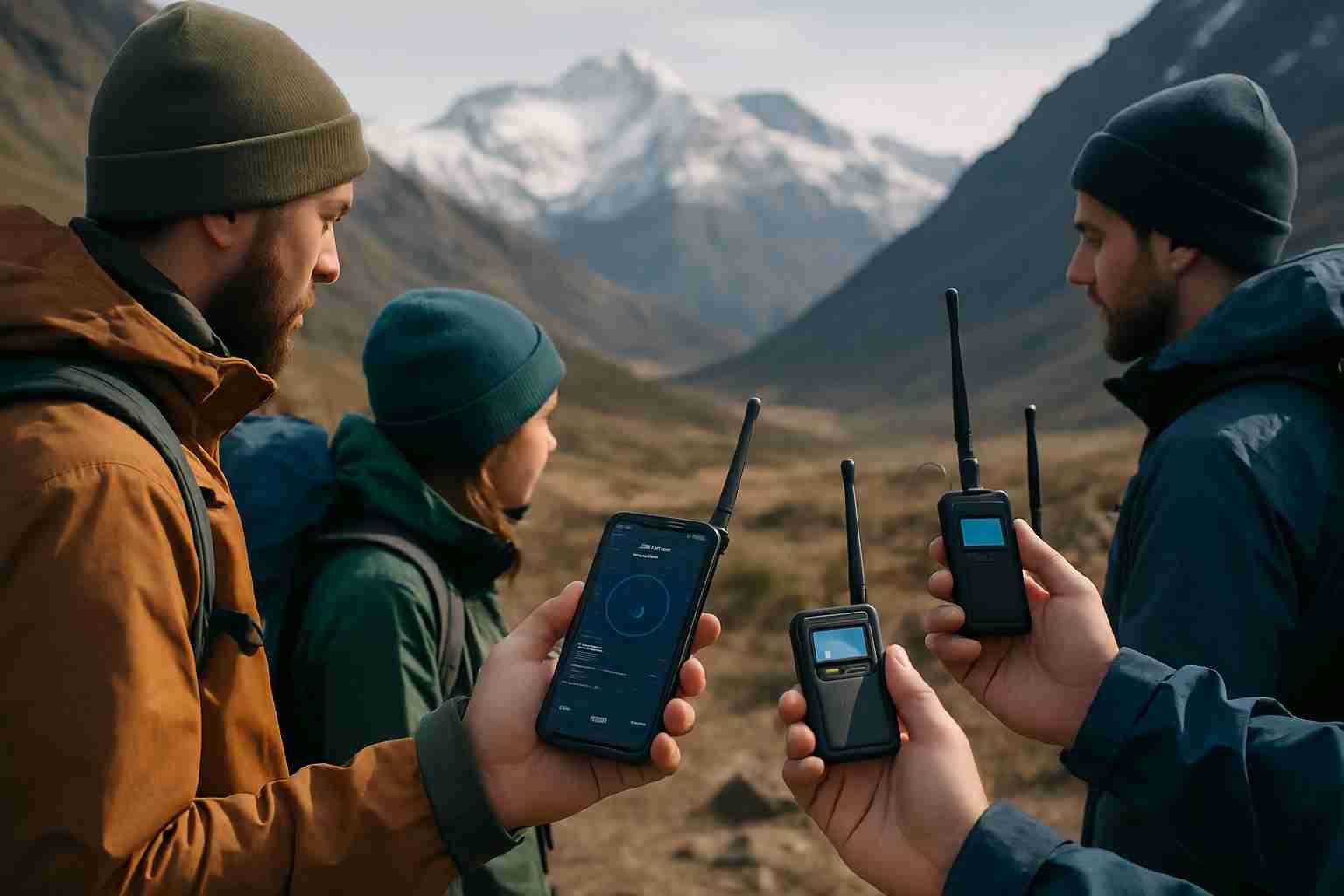
The location tracking features are a game-changer for safety and coordination. Imagine you’re on a group expedition, traversing unfamiliar terrain. By sharing your location, everyone can keep tabs on each other, enhancing safety and collaboration. It’s not just handy—it can be crucial during emergencies or when you need to regroup after separating.
Practical applications are vast: whether you’re hiking, preparing for disasters, or embarking on remote expeditions, keeping your devices in good shape is essential. Routine maintenance like checking battery life and ensuring devices are updated with the latest firmware can prevent unexpected failures.
Don’t forget to tap into the Meshtastic community for support and advanced tips. Forums and social media groups can offer invaluable insights and tricks that might not be evident in a manual. You’re never alone in this endeavor; there’s a whole network out there, ready to help you optimize your off-grid communications.
Conclusions
Setting up Meshtastic devices correctly unlocks a powerful communication network that works off-grid without relying on traditional infrastructure. By understanding the technology, preparing your environment, carefully configuring your devices, and optimizing performance, you can ensure reliable, long-range messaging for various adventurous and practical scenarios. With these tips, you are ready to harness Meshtastic’s full potential and stay connected anywhere.