In this digital era, having a dependable and robust Wi-Fi connection is essential for seamless online activities. Mesh Wi-Fi systems are transforming the way connectivity is sustained across residences by eradicating dead zones and enhancing performance. This article delves into the elements and benefits of mesh networks, along with setup tips and techniques to maximize mesh Wi-Fi coverage and efficiency.
Understanding Mesh Router Backhaul
Grasping the concept of mesh router backhaul is essential to unlock the full capabilities of your home’s mesh Wi-Fi system. Backhaul defines the communication link that connects nodes inside a mesh network, facilitating smooth data transfer between them. This link can be established either by a wired or wireless method, each presenting unique advantages for sustaining reliable and fast connectivity.
Using Ethernet cables, wired backhaul creates a dependable and interference-resistant connection between nodes. This configuration is ideal for households with heavy usage like streaming or gaming, as it ensures low latency and peak speed without congestion caused by external wireless interference.
Conversely, wireless backhaul shares the same channels as your Wi-Fi devices to transmit data. Although it provides convenience and easier setup, it may face interference issues if not managed correctly. To address this, many modern systems utilize dedicated backhaul channels—exclusive pathways reserved solely for communication between nodes. These reserved links preserve user internet speeds and performance even when handling large amounts of data.
By comprehending these backhaul distinctions, users can customize their mesh systems for peak efficiency, guaranteeing uninterrupted connectivity throughout their home network.
Mesh Network Benefits
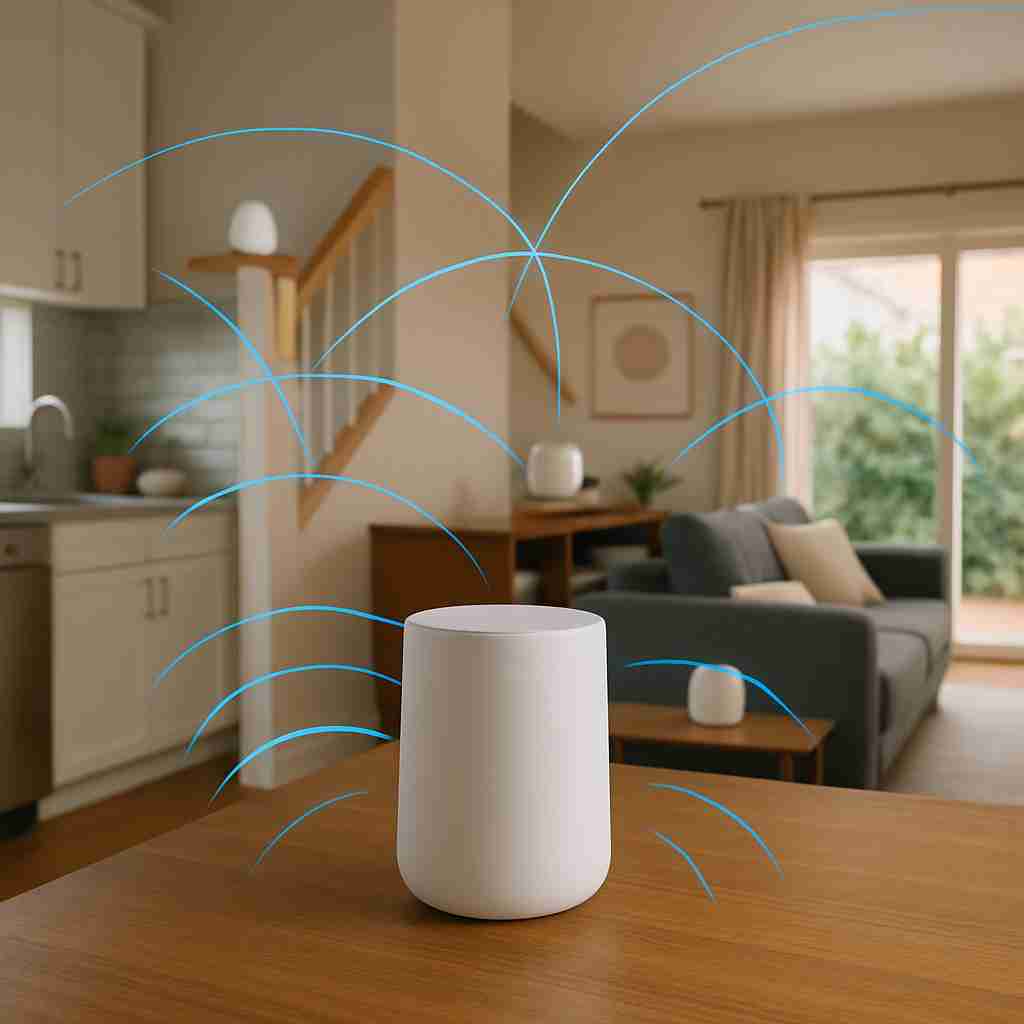
For enhancing your internet experience in larger or multi-level homes, mesh networks deliver transformative advantages. One of the foremost perks is significantly improved mesh network coverage. With several nodes working together, a mesh system creates a continuous web of connectivity, wiping out dead spots completely. This proves especially beneficial in residences with thick walls or intricate floor plans, guaranteeing signal reaches every area.
Devices transition smoothly across nodes, providing an effortless wireless roaming experience. As you move throughout your home, your gadgets automatically switch between nodes without losing connection, ensuring uninterrupted activity like streaming or video conferencing. The user-friendly apps tied to these networks simplify both setup and management, making it accessible even for users with little tech know-how.
Scalability is another key feature of a mesh network. As your needs evolve—whether from home remodeling or more connected devices—you can easily add extra nodes to broaden coverage. Additionally, these systems provide high adaptability, particularly when it comes to smart home device integration. Handling numerous devices within one network maintains a strong and stable connection, even in smart homes filled with IoT gadgets. This makes mesh networking an invaluable asset in today’s digitally connected households.
Steps to Set Up Your Mesh Wi-Fi System
To achieve optimal performance, establishing a mesh Wi-Fi system calls for careful planning and several fundamental steps. Start by selecting the ideal locations for your mesh router nodes, placing them centrally and away from barriers such as thick walls or large metal objects to maintain strong, unobstructed signals. Every node must be positioned within range of the main unit to support seamless connectivity throughout your home.
Then, install the companion app that corresponds to your system. Intuitive apps usually accompany most mesh Wi-Fi setups, guiding you through the configuration process. With the app, you can adjust settings, manage devices, and keep an eye on your network using features like parental controls and security tools. Typically, this procedure involves linking the primary node to your modem followed by distributing extra nodes around your house.
If you plan to merge the system with a pre-existing network, verify that your mesh router is compatible. Lastly, handle common concerns by restarting nodes or repositioning them if coverage issues occur, ensuring effective communication among all nodes. By following these guidelines, you can maintain excellent control over your network while expanding your mesh Wi-Fi network reach and connectivity within your home.
Maximizing Mesh Wi-Fi Coverage and Performance
To maximize your mesh network coverage and performance, begin by strategically positioning each node. Ideally, place nodes in open spaces without any blockages. Steer clear of areas near thick walls or large metallic appliances, as these can degrade signal strength. Generally, establishing a clear line of sight between nodes boosts connectivity, delivering stronger and more dependable mesh wireless coverage throughout your area.
Electronic device interference can also affect your mesh wireless system. Minimizing this involves keeping nodes away from microwaves, cordless phones, and Bluetooth gadgets that share similar frequency ranges. This separation helps prevent signal interference and preserves optimal mesh Wi-Fi system functionality.
Keeping the firmware of your mesh router up to date is essential. Updates released by manufacturers often add new capabilities or fix existing performance problems, ensuring your network runs smoothly and securely.
Think about choosing a mesh network equipped with the latest Wi-Fi standards such as Wi-Fi 6 or Wi-Fi 6E. These advanced mesh Wi-Fi technologies provide faster data rates, broader bandwidth, and higher capacity, supporting more devices without sacrificing performance. Designed to enhance your internet experience, these solutions offer seamless connectivity for a variety of devices. By strategically placing nodes, reducing interference, and utilizing up-to-date technology, you can effectively maximize your mesh Wi-Fi network reach and efficiency.
Conclusions
Mesh Wi-Fi systems provide a cutting-edge approach to delivering strong and dependable coverage throughout homes. Thanks to their straightforward integration, responsive network management, and superb Bluetooth plus smart home wireless connectivity compatibility, these setups fulfill diverse connection requirements. Whether it’s enhancing coverage or elevating network efficiency, investing in a mesh network offers a practical way to ensure seamless and robust internet access.